Caring for a powered recliner
Care · 4 minute read
Prepared and checked by Comfort & Recline showroom team.
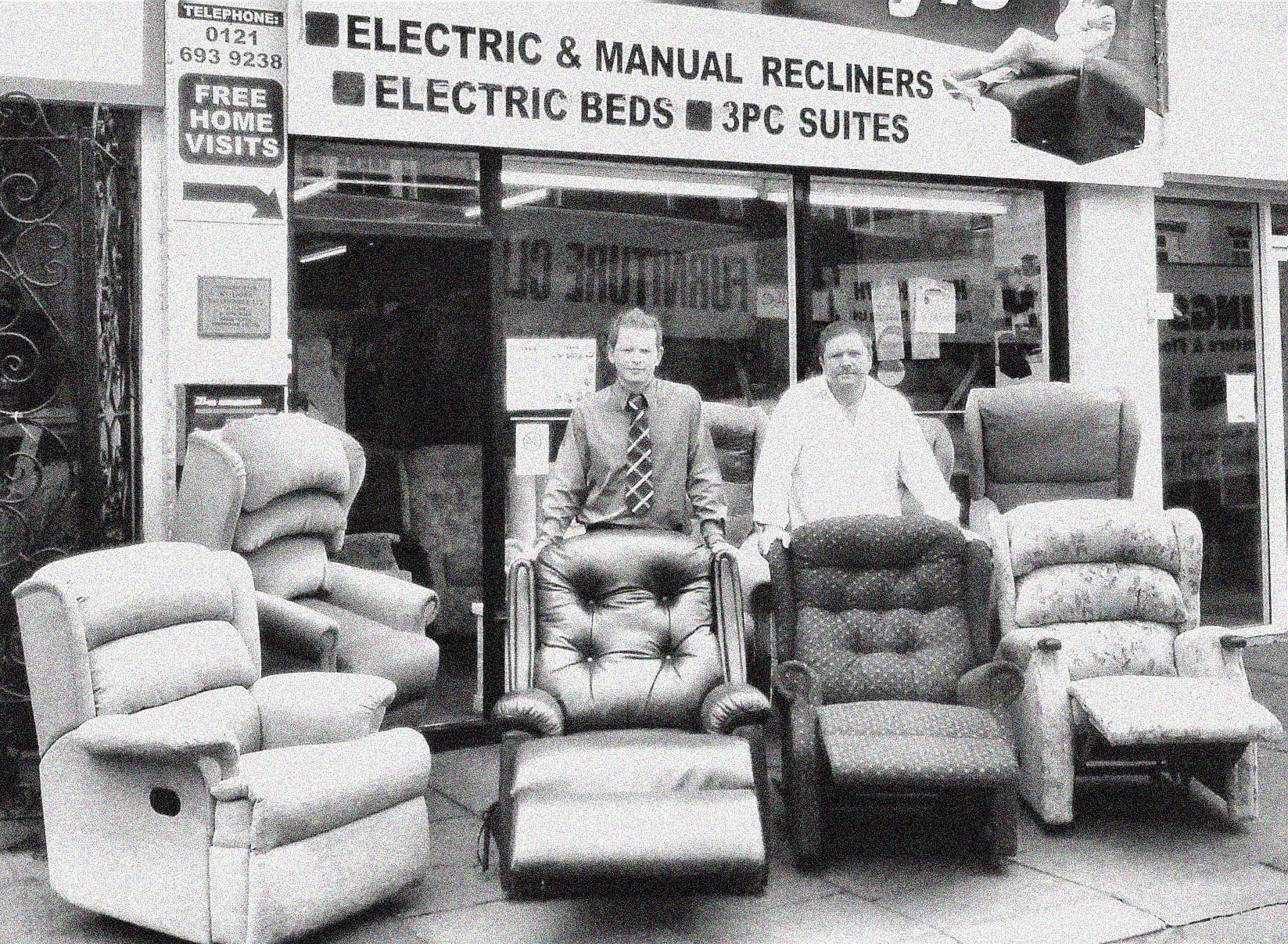
Scott and his dad Chris outside their Kings Heath shop in 1999
The short answer
Keep a powered recliner clean, dry and clear of obstructions. Protect its cables, learn the handset, follow the exact upholstery guidance and stop using the chair if movement becomes rough or unusual. Keep the model details and instructions somewhere easy for the household to find.
See chairs featured in this guidePublished · Updated
Jump to a section in this guide
Who this guide helps
This guide is for chair owners, relatives and carers who want simple daily habits that protect the person, the mechanism and the upholstery.
Learn the controls first
Keep the instructions for the exact model. Ask the installer to show the rise, recline and return movements, then let each regular user try the handset.
Know which button returns the chair to a familiar seated position. Stop if it catches an object, moves roughly or behaves differently from the demonstration.
Keep the moving area clear
Look around and beneath the chair before moving it. Keep children, pets, blankets, furniture and walking aids outside the space used by the footrest and base.
Route power and handset cables where they cannot be trapped, stretched or walked across. Do not place a cable through the moving mechanism.
Use the right cover care
Vacuum fabric gently with a suitable upholstery tool and wipe small spills only as the care guidance allows. Blot rather than rub unless told otherwise.
Leather finishes vary. Do not apply a general cream, polish or household cleaner until the supplier confirms that it suits the exact cover.
Check the chair little and often
Notice changes in sound, speed or alignment. Check that plugs feel secure and cables show no crushing, exposed wire or heat damage.
Keep moving gaps free from dust and objects. Do not open the motor or electrical parts yourself; unplug the chair and ask for qualified help.
Describe faults accurately
Record the make, model, action and what happened before the fault. Note any lights, sounds, smells or movements and whether the handset still responds.
Photographs of the chair, handset, plug and label can help. Stop using and unplug the chair if there is a burning smell, heat or damaged wiring.
Your showroom checklist
- Keep the exact instructions and model details nearby.
- Clear the chair’s full moving area before use.
- Keep every cable visible, free and undamaged.
- Use only approved upholstery care products.
- Stop and unplug the chair if it smells hot or wiring is damaged.
Sources and further reading
Chairs to explore
These photos show individual chairs in our showroom. Call Scott to confirm price and availability.
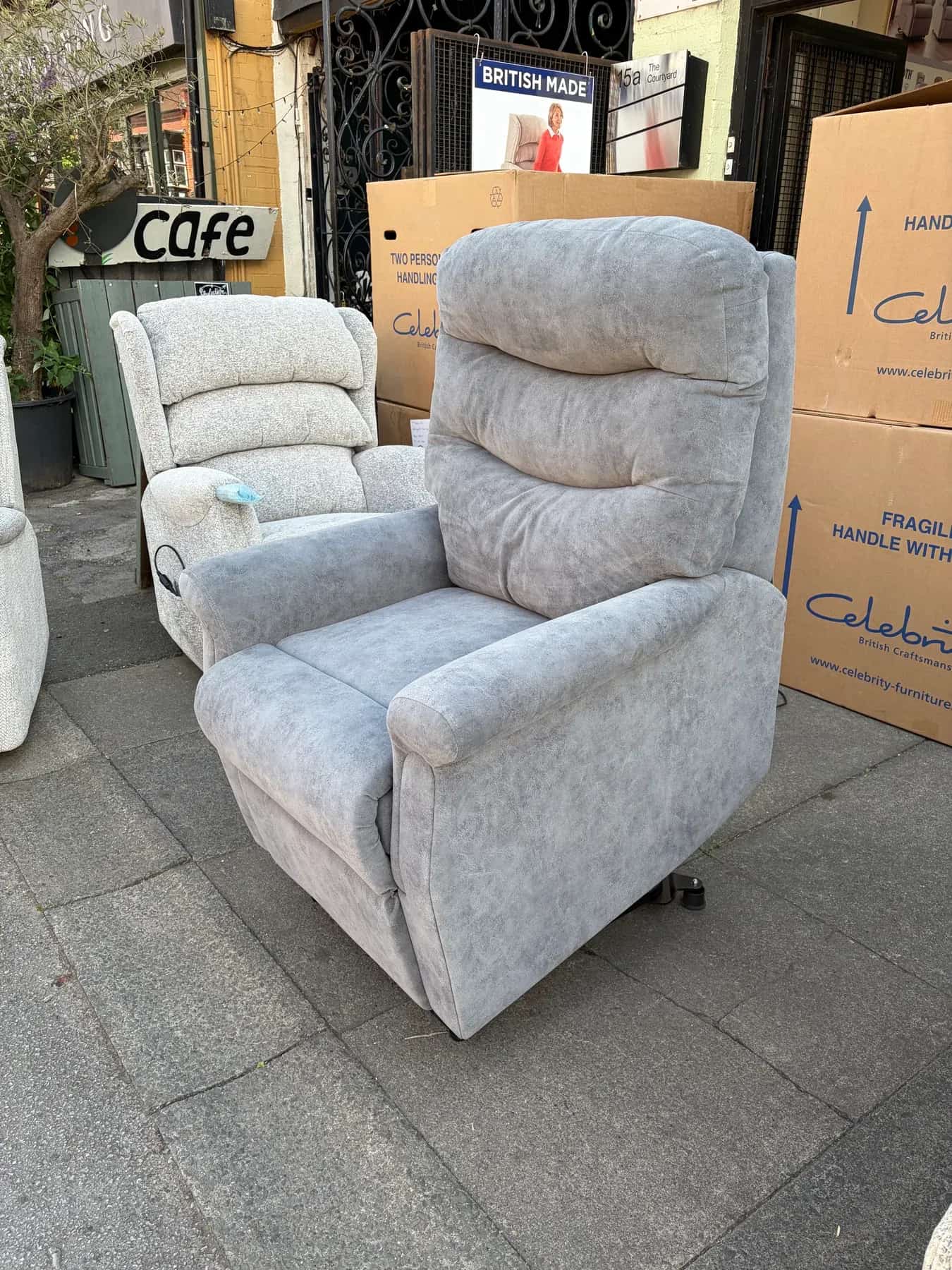 In stockCall to confirm
Hollingwell Cloud Zero
Celebrity Hollingwell
- Size
- Standard
- Action
- Cloud Zero triple-motor riser recliner
- Cover
- Bison Storm
 In stockCall to confirm
Westbury Cloud Zero Sand
Celebrity Westbury
- Size
- Standard
- Action
- Cloud Zero triple-motor riser recliner
- Cover
- Tidal Sand