Rising chair safety: seven habits for trouble-free use
Care · 4 minute read
Prepared and checked by Comfort & Recline showroom team.
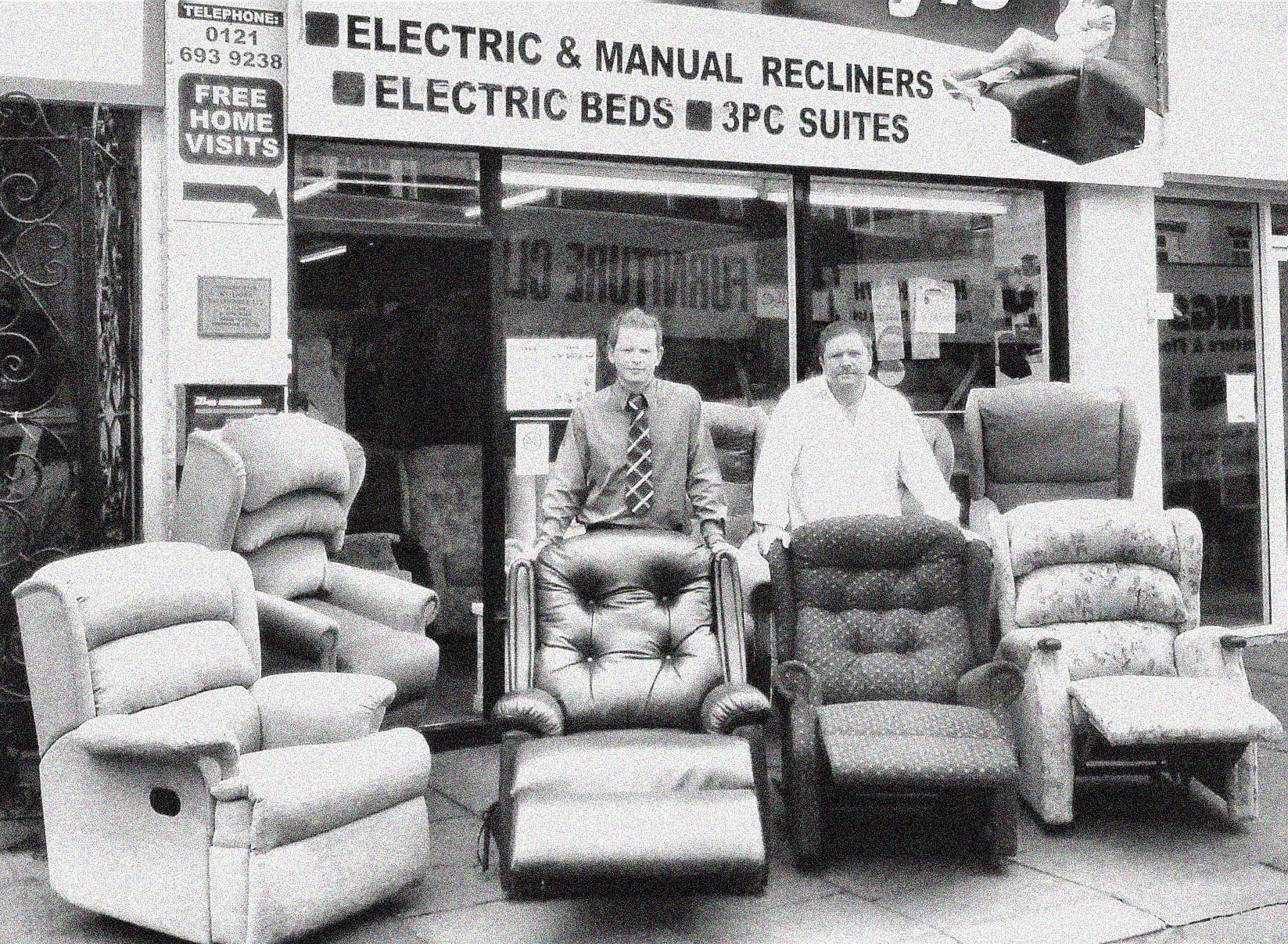
Scott and his dad Chris outside their Kings Heath shop in 1999
The short answer
Keep the chair’s moving area and power cable clear, use the handset from a stable seated position and stop if movement becomes jerky or the electrics appear damaged. Anyone who remains unsteady during transfers should seek help and ask an occupational therapist for advice.
See chairs featured in this guidePublished · Updated
Jump to a section in this guide

Who this guide helps
For anyone using or caring for a powered rising chair, including relatives checking a home before the chair arrives.
Give the chair room to move
A riser recliner moves further than it sits: footrests extend forward, backs recline backwards and the whole seat rises.
Keep the zone the chair sweeps through clear of furniture, fires, radiators and trailing items, and check that clearance every time the room is rearranged.
Loose rugs and trailing cables near a chair that moves are the two most common household trip hazards; both are cheap to fix.
Respect the cables
Route the power cable along the wall, not under the carpet or through the chair’s moving zone. Unplug by the plug, not the lead, and look over the cable occasionally for kinks or damage, especially if the chair sits near a walkway.
Sit down and stand up deliberately
Use the rise action deliberately and follow the manufacturer’s instructions. During the rise, sit square in the seat with feet supported until stable, then stand only when it feels safe.
If the user feels unsteady, dizzy or unwell, they should stay seated and call for help rather than risk a fall. A pendant alarm or phone within reach of the chair is sensible for anyone living alone.
- Fully lower before sitting; fully rise before standing
- Feet flat and seated square before rising
- Keep a phone or alarm within reach
- Stop and call for help if anything feels wrong
Mind the handset
Keep the handset on its cradle or clipped where the manufacturer intends, not on the seat where it can be sat on, and not dangling where it can be caught by the action.
Show every regular user the reset button first; it is the one that solves most surprises.
Know the warning signs
Grinding noises, jerky movement, a handset that needs pressing twice, or any burning smell are reasons to stop using the chair and unplug it.
Describe the symptom, the model and when it started when you call for a repair; photographs of the handset and the chair’s label speed up diagnosis.
Our repairs page explains what to tell us so the first visit is usually the only visit.
Your showroom checklist
- Keep the full movement zone clear
- Route the cable away from feet and mechanisms
- Keep the handset where it cannot be trapped
- Place a phone or alarm within reach
- Stop for jerky movement, damage or burning smells
- Seek professional help for unsafe transfers
Sources and further reading
Chairs to explore
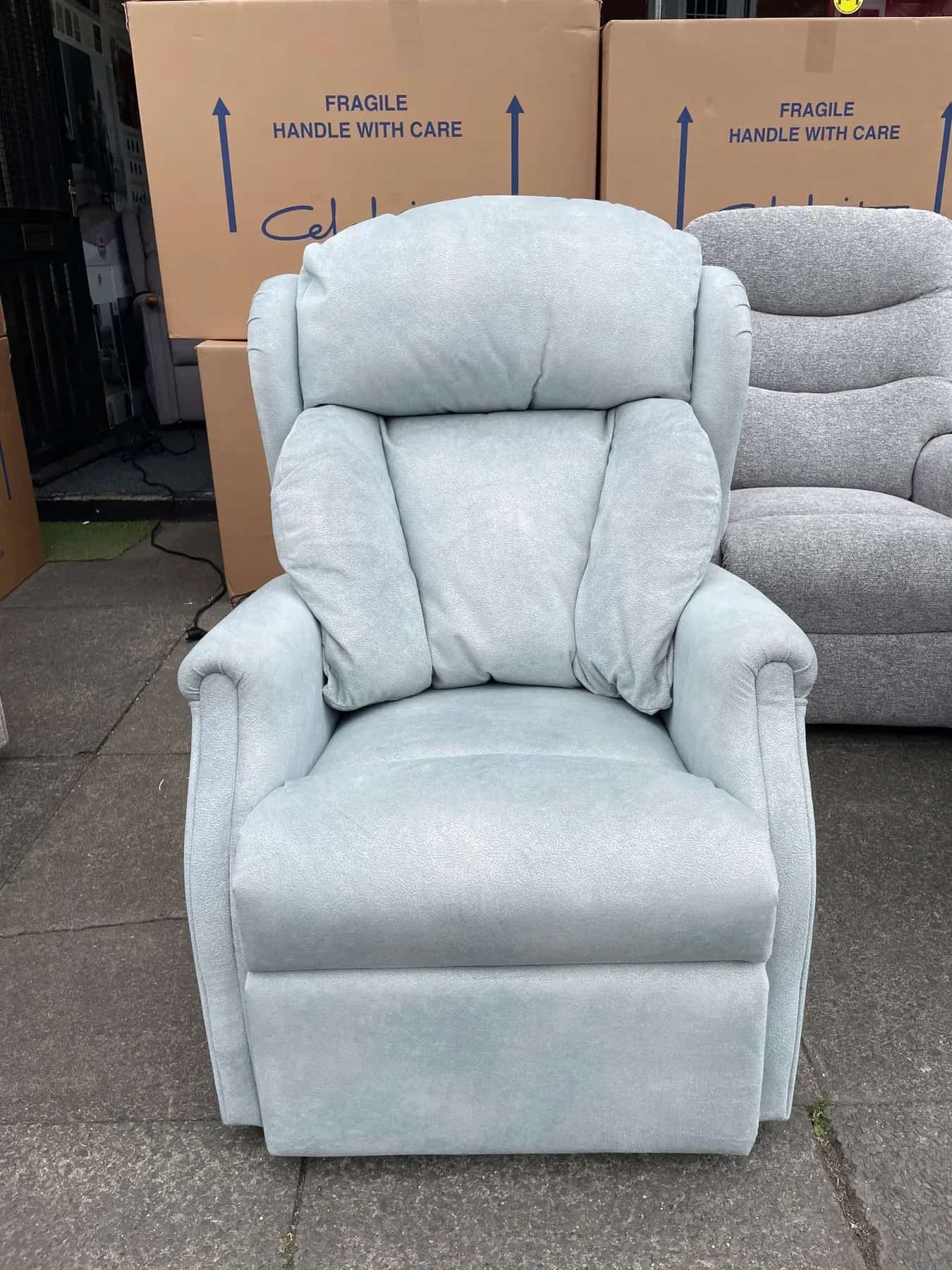
These photos show individual chairs in our showroom. Call Scott to confirm price and availability.